
Browser fingerprinting defense: what we ship, what we do not
Every browser that talks about privacy has a fingerprinting paragraph. Most of those paragraphs read like a feature list. They name the techniques the browser blocks and stop. The reader walks away thinking the browser is invisible, which it is not, and which no browser is.
This post takes the other approach. It names the surface, names what is reasonable to block, names what is impossible to block without breaking the web, and shows where Maho stands on each. The goal is not to make Maho sound bulletproof. The goal is to give you an honest picture so you can decide what to do with it.
For the broader posture, see security and privacy. This post is the close-up.
The fingerprinting surface, in 2026
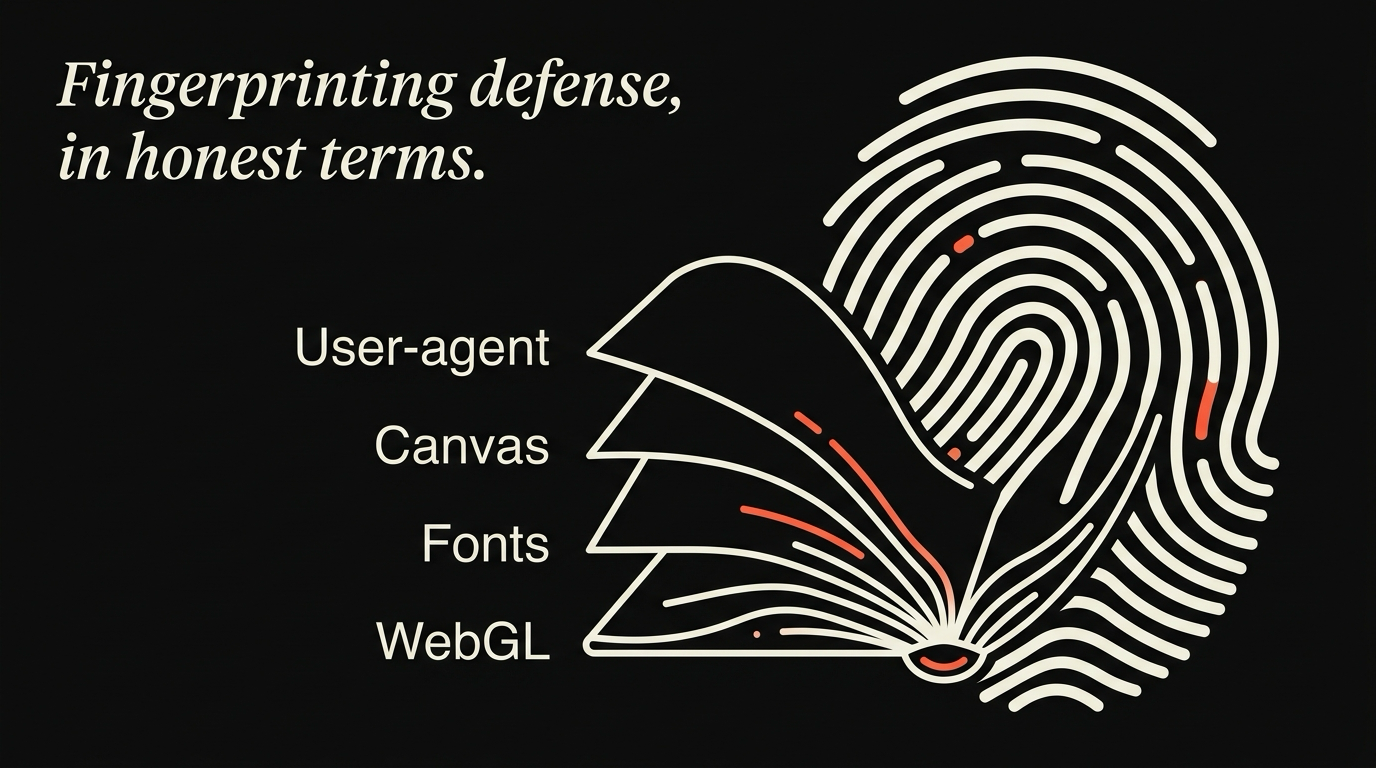
Section titled “The fingerprinting surface, in 2026”A browser fingerprint is the set of small signals a site can read about your browser, your machine, and your network, that together are unique enough to identify you across visits even without a cookie.
The signals are nothing exotic on their own. User-agent string. Screen size. Time zone. Installed fonts. The way your GPU draws a specific shape. The way your audio stack rounds a sine wave. The list of supported codecs. The order of HTTP headers. Each one is low-entropy in isolation. Combined, they are usually enough to single you out from the crowd of everyone visiting the same site.
The state of the art in 2026 has not changed shape from 2024. Sites use a mix of script-level reads (canvas, audio, WebGL, font enumeration), TLS-level reads (JA4 fingerprints, header order), and network-level reads (your IP, your AS, the DNS resolver you reach through). Some defenses sit at the script layer, some at the network layer. None of them, in any browser, defeat all of them.
The honest framing is: fingerprinting is harder than it was, and is far from solved.
What is reasonable to block
Section titled “What is reasonable to block”Some signals can be neutralized at the browser level without obviously breaking the page.
The user-agent string can be reduced to a coarse version that does not distinguish you from millions of other users. Chrome shipped a reduced UA in 2022. Firefox followed. The cost is small. A handful of pages that branch on minor browser version misbehave, but most do not.
Canvas reads can be perturbed. The site asks the browser to draw a shape and read the pixels back. The browser can return pixels with a small per-session noise that defeats the hash without changing what a human would see. Tor Browser has done this for years. Brave does it. Safari does a coarser version.
Audio context reads can be perturbed the same way. The site asks the browser to render a tone and read the floats back. A small noise on the floats kills the fingerprint without changing the audible result.
Font enumeration can be limited. The default behavior of “tell the page every font on this machine” is a strong signal. The defense is to expose only a fixed list, or to make the answer dependent on what the page actually requests.
WebGL parameters can be coarsened. The page can read your GPU vendor and renderer string in detail. The defense is to return a generic vendor and renderer for most users, with a power-user knob to keep the real strings for sites that need accurate WebGL feature detection.
These five are the obvious wins. Every privacy-leaning browser ships some subset of them. They are the table stakes for “we take fingerprinting seriously”.
What is impossible to block without breaking the web
Section titled “What is impossible to block without breaking the web”Some signals cannot be neutralized at the browser level without making the browser unusable.
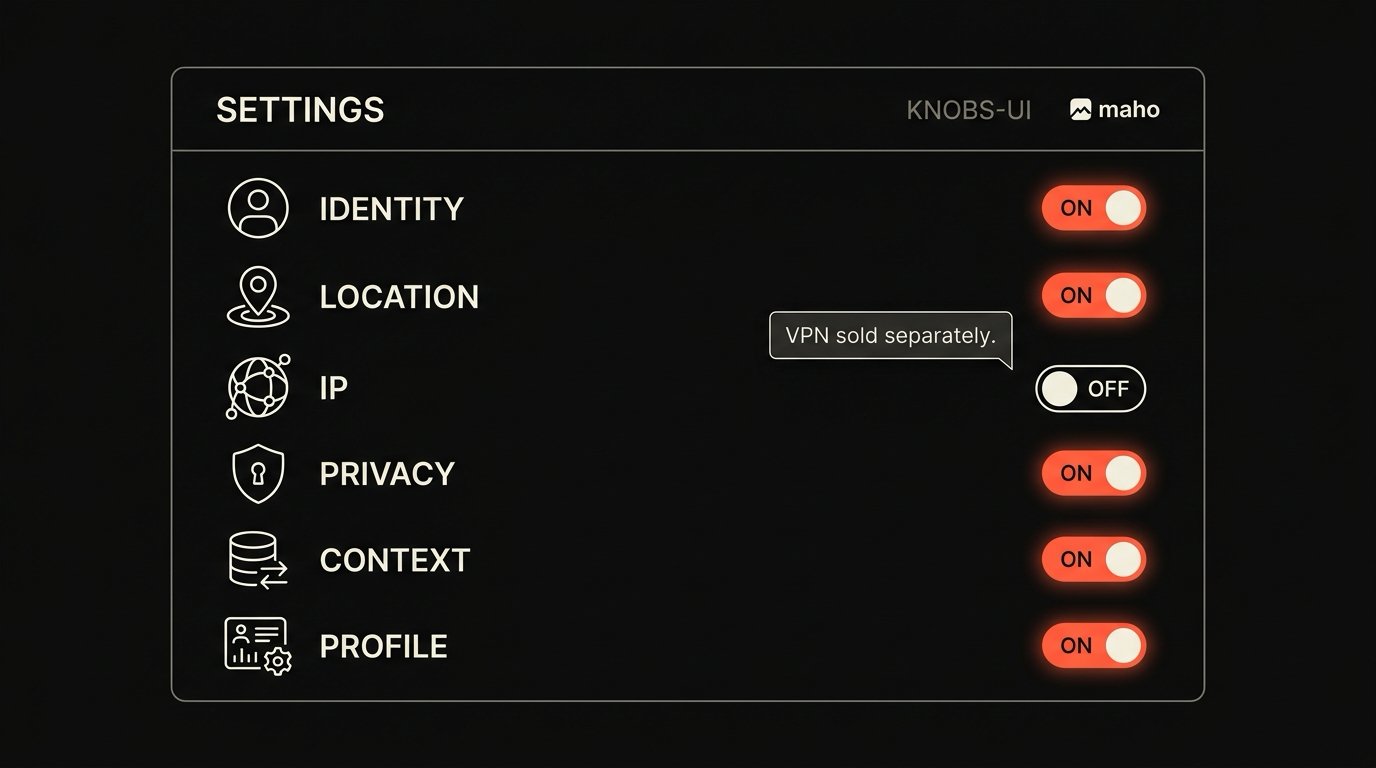
Your IP address. The site sees the source of the TCP connection. The browser cannot lie about this without a VPN or Tor in front of it. Maho does not ship a VPN. Maho does not have a Tor mode. Your IP is your IP. Any privacy story that does not say this out loud is misleading you.
Your TLS handshake. The order of the cipher suites your browser advertises, the extensions, the order of those extensions, all combine into a fingerprint that identifies the browser version with high accuracy. JA3 and the newer JA4 family are the standard names. The defense is to randomize the order, but randomization itself is detectable, and the underlying library has to support it. Most browsers, including Maho, do not currently randomize the TLS fingerprint.
Your HTTP header order. The order browsers send headers in is consistent per browser version. Servers can read it. Tor Browser tries to align with the Firefox baseline. Most other browsers do not bother.
Your screen size and pixel ratio. A site can read these. Lying about them breaks responsive layouts in ways users notice immediately. The defense is partial: round to common bins, but not so coarsely that you become a smaller crowd.
Your time zone, your language, your accept-encoding list. All readable. All hard to lie about without breaking date pickers, translation, and content negotiation.
The honest claim is: at the browser level, the network and locale signals are mostly unblockable. The defenses that exist live at a network or VPN layer, which is a different product.
Maho’s defaults
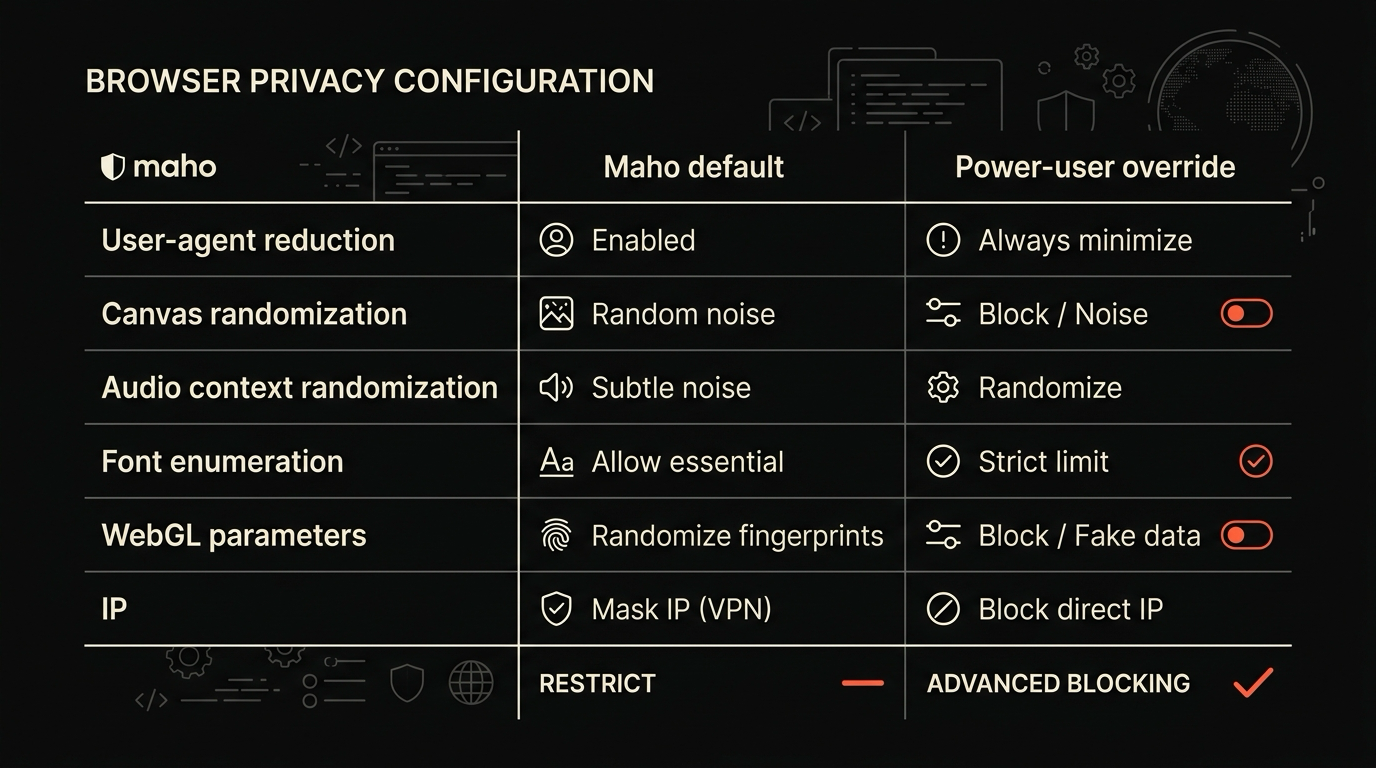
Section titled “Maho’s defaults”The summary in one place. The first column is what Maho does out of the box. The second is what you can do as a power user.
| Surface | Maho default | Power-user override |
|---|---|---|
| User-agent reduction | On. Coarse UA only. | Can be turned off for compat testing. |
| Canvas randomization | On. Per-session noise. | Can be turned off per origin. |
| Audio context randomization | On. Per-session noise. | Can be turned off per origin. |
| Font enumeration | Limited list returned. | Can be expanded for design tools. |
| WebGL parameters | Generic vendor and renderer. | Can be set to real values per origin. |
| IP | Not blocked. Not lied about. | Out of scope. Bring a VPN if you need one. |
The IP row is the one we want you to read carefully. Maho is not a VPN and Maho is not Tor. If your threat model requires hiding your IP, Maho is not enough. We do not pretend otherwise.
Power-user knobs
Section titled “Power-user knobs”For the surfaces we do block, there are two knobs that matter.
The first knob is per-origin override. Some sites need accurate canvas reads (online image editors), real WebGL parameters (GPU benchmarks), or real font lists (font-pairing tools). For those origins you can turn off a specific defense. The override is scoped to the origin you set it on. It does not leak to other tabs.
The second knob is the “strict” toggle. Strict mode tightens the defaults: smaller font list, more aggressive canvas noise, language and accept-encoding pinned to a common baseline rather than your real preferences. Strict mode breaks more pages. We do not turn it on by default for that reason. If you want it, it is a single switch in privacy settings.
Both knobs are read by the network and rendering layers, not by the model in the AI panel. The AI assistant has no way to silently disable a defense for you. A defense change is a user action, with a visible state, and it shows up in privacy settings the next time you look.
Where this is still an arms race
Section titled “Where this is still an arms race”The state today is not the state in six months. Three areas are still moving.
The first is TLS fingerprinting. Cloudflare, Akamai, and the bot-management vendors have JA4 baked into their defense systems now. Browsers that do not randomize the TLS handshake are trivially identifiable to those vendors. Randomization is hard because the underlying TLS libraries (BoringSSL, NSS, Schannel) were not built for it. The work is happening upstream. Maho will follow when the upstream library supports it cleanly. We will not ship a half-measure that breaks corporate proxies.
The second is behavioral fingerprinting. Mouse movement, scroll velocity, typing cadence. Sites are getting better at building a profile from these. The browser cannot easily perturb them without making the page feel wrong. The defense is mostly at the user’s discretion: if you care, do not let scripts read input timings, which Maho can block on a per-origin basis but does not block by default for usability reasons.
The third is the AI fingerprint. Models that are run client-side (small extension models, in-page WASM models) leave their own signature in CPU and memory access patterns that can be read by other scripts running in the same page. This is new and the defenses are not standardized. We are watching the literature and not yet shipping anything.
If your threat model is “do not be tracked across two unrelated sites that share an analytics vendor”, the defaults plus a tracker blocker take you most of the way. If your threat model is “do not be tracked at all by a sophisticated adversary”, you need a network layer (VPN or Tor) on top of any browser, including this one.
For more on how Maho thinks about scripts, third parties, and isolation, see the security overview.
Download Maho
Section titled “Download Maho”The right thing to want from a privacy-leaning browser is honest defaults and visible knobs. Not a bulletproof claim that no browser can keep.
If that is the trade you want, download Maho.