
Headless browsing with Maho: scripts that read the web
Most browsers have a headless mode. Most users never touch it. The mode lives behind a CLI flag, the docs are sparse, and the use case is usually “a script that does what you would have done by hand if you had the patience”.
This post is the short version of how that looks in Maho. We will run three scripts. A single-page fetch that returns the title. An extraction that returns multiple named fields per URL. A batch run that walks a file of URLs and writes one NDJSON line per visit.
The point is not to replicate Playwright. Playwright is a different tool with a different shape. We will get to where the line is.
For the broader CLI surface, see the CLI reference.
When headless is the right tool
Section titled “When headless is the right tool”Headless is right when you want your browser, scripted.
The phrase “your browser” is the load-bearing one. Your cookies. Your logged-in sessions. Your saved passwords if you have approved their use. Your installed extensions. Your privacy defaults. The thing you have already configured to be how you like it. You want a script to use that browser, not a fresh stripped-down one.
Headless is wrong when you want a clean, isolated browser context for testing. That is what Playwright is built for. Each Playwright run starts cold, with a brand-new profile, no cookies, no extensions. You write tests against it. The whole point is determinism.
Headless Maho is the opposite. The whole point is that the script benefits from the state your browser already has. A summary of the page you are logged into. A scrape of a private dashboard. A check of a paywalled article you subscribe to. A quick batch fetch of pages that detect bots, where your real browser already has the right cookies to be considered human.
If your script needs a clean profile, use Playwright. If your script needs your profile, headless Maho is the right tool.
Setup: connect to a running browser
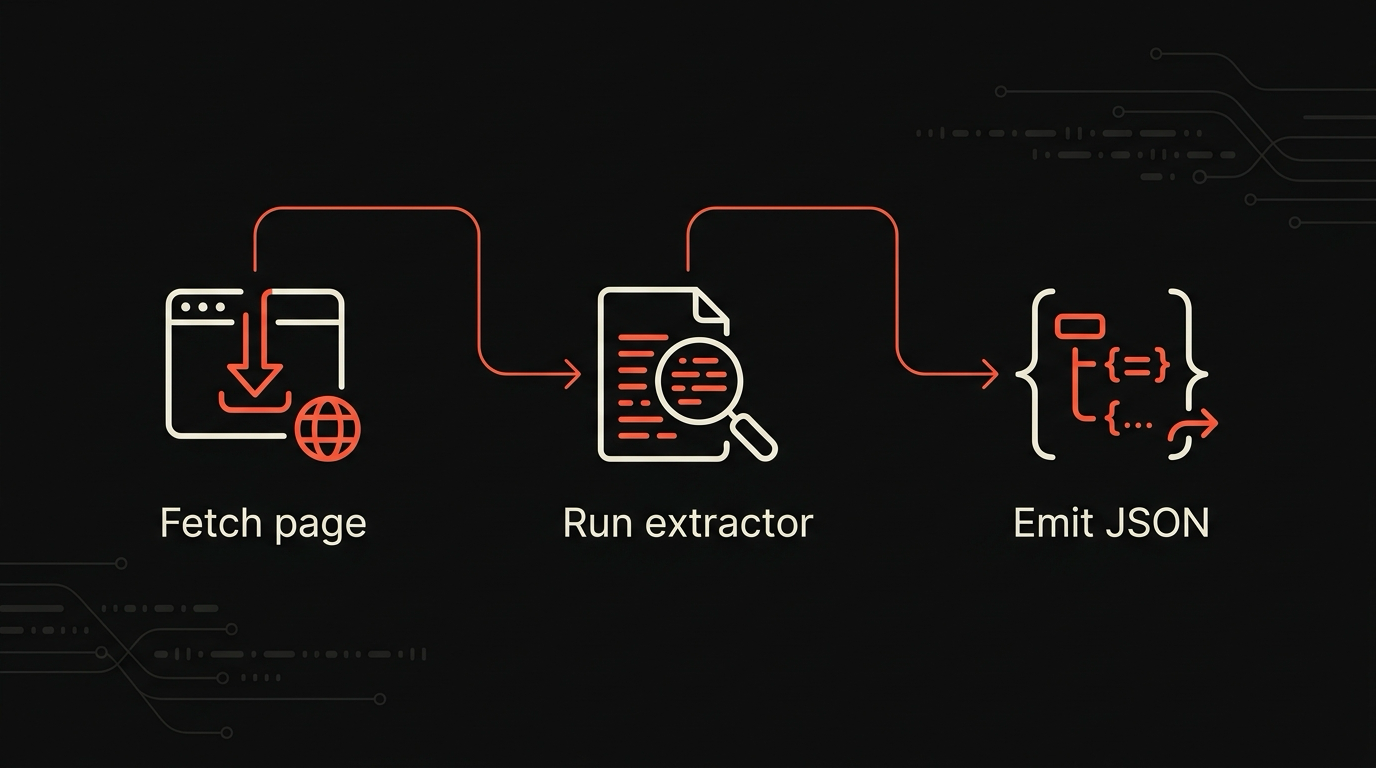
Section titled “Setup: connect to a running browser”maho headless talks to the running Maho.app over a local socket. If the browser is already open, it will connect automatically. If it is not running, pass --launch to start it:
maho headless --url https://example.com --extract title --launchThe --launch flag finds Maho.app in /Applications (or wherever MAHO_APP_PATH points), spawns it in headless mode, waits for the socket to appear, then runs the extraction. When the command finishes, the browser exits. Pass --keep-alive alongside --launch if you want the browser to stay running after the CLI exits.
A note about credentials: headless Maho uses the same Keychain entries as the GUI. There is no separate password store. Each script run inherits the cookies your browser already has. If a site logs you out in the GUI, the script will see the logged-out state on the next run. This is the right default.
Step 1: a single-page fetch
Section titled “Step 1: a single-page fetch”The simplest thing the CLI does is open a URL, render it, and return a single field.
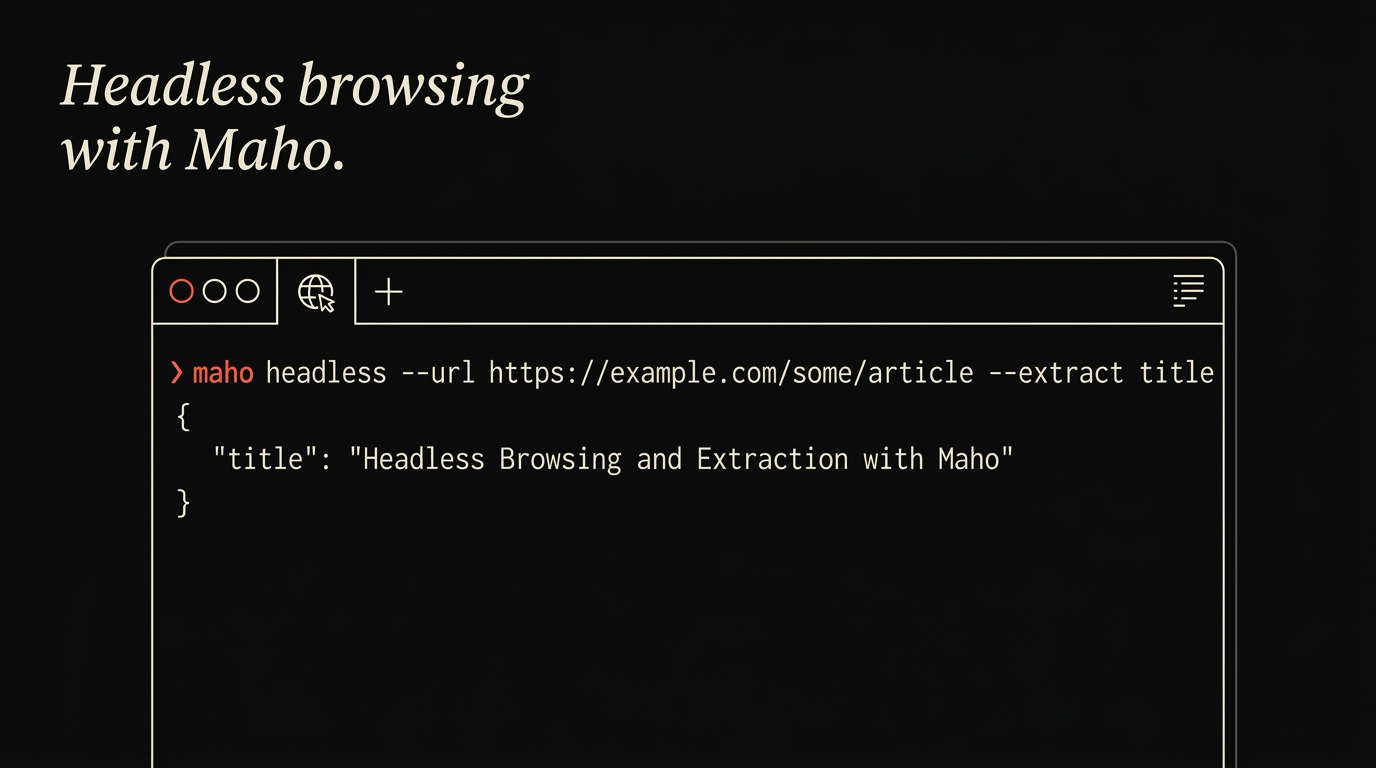
maho headless --url https://example.com --extract titleExample DomainBehind the scenes, Maho opens a new tab, navigates to the URL, waits for the page to finish loading, extracts the page title, writes it to stdout, and closes the tab. The whole call usually finishes in under two seconds on a fresh page.
The --extract flag accepts a comma-separated list of named extractors: title, text, links, meta, html. Each one returns a string or a list of strings to stdout.
maho headless --url https://example.com --extract metadescription: This domain is for use in illustrative examples in documents.language: entitle: Example Domainmaho headless --url https://example.com --extract linkshttps://www.iana.org/domains/reservedEach extractor maps to a specific browser operation: title reads the page title, text calls the page-text tool, links pulls hrefs from the page context, meta returns the description, language, and title fields, html returns the full page HTML. For anything beyond these named extractors, the maho page subcommands give you CSS-selector-level access to the live tab.
A note about wait conditions: by default Maho waits for the page to leave loading status, polling every 500ms for up to 10 seconds. For sites that load content lazily, pass --wait selector:#main or --wait timeout:5s to wait for a specific element or a duration.
Step 2: multiple extractors in one call
Section titled “Step 2: multiple extractors in one call”Most real scripts want more than one field.
Pass a comma-separated list to --extract and each extractor runs in turn, with its output written to stdout:
maho headless --url https://example.com --extract title,meta,linksExample Domaindescription: This domain is for use in illustrative examples in documents.language: entitle: Example Domainhttps://www.iana.org/domains/reservedFor structured output that is easier to pipe, use --json at the global level. Each extractor result is placed under its name in a JSON object:
maho --json headless --url https://example.com --extract title,meta{ "title": "Example Domain", "meta": { "description": "This domain is for use in illustrative examples in documents.", "language": "en", "title": "Example Domain" }}Two practical patterns are worth naming.
First, prefer text over html when you only need the words. The text extractor returns the readable plaintext, not markup. It is smaller and easier to pipe to wc, grep, or a local model.
Second, pass the result through maho tab annotate when you want to attach the output back to a live tab. The headless and interactive tab surfaces are separate, but they talk to the same browser. A headless fetch can feed an annotation in the GUI.
For a similar shape on the local data side, see a CLI for your browser history.
Step 3: a batch run
Section titled “Step 3: a batch run”The batch case is the one most people end up here for. You have a file of URLs. You want one record per URL. You want it to stream so a partial failure does not lose the whole run.
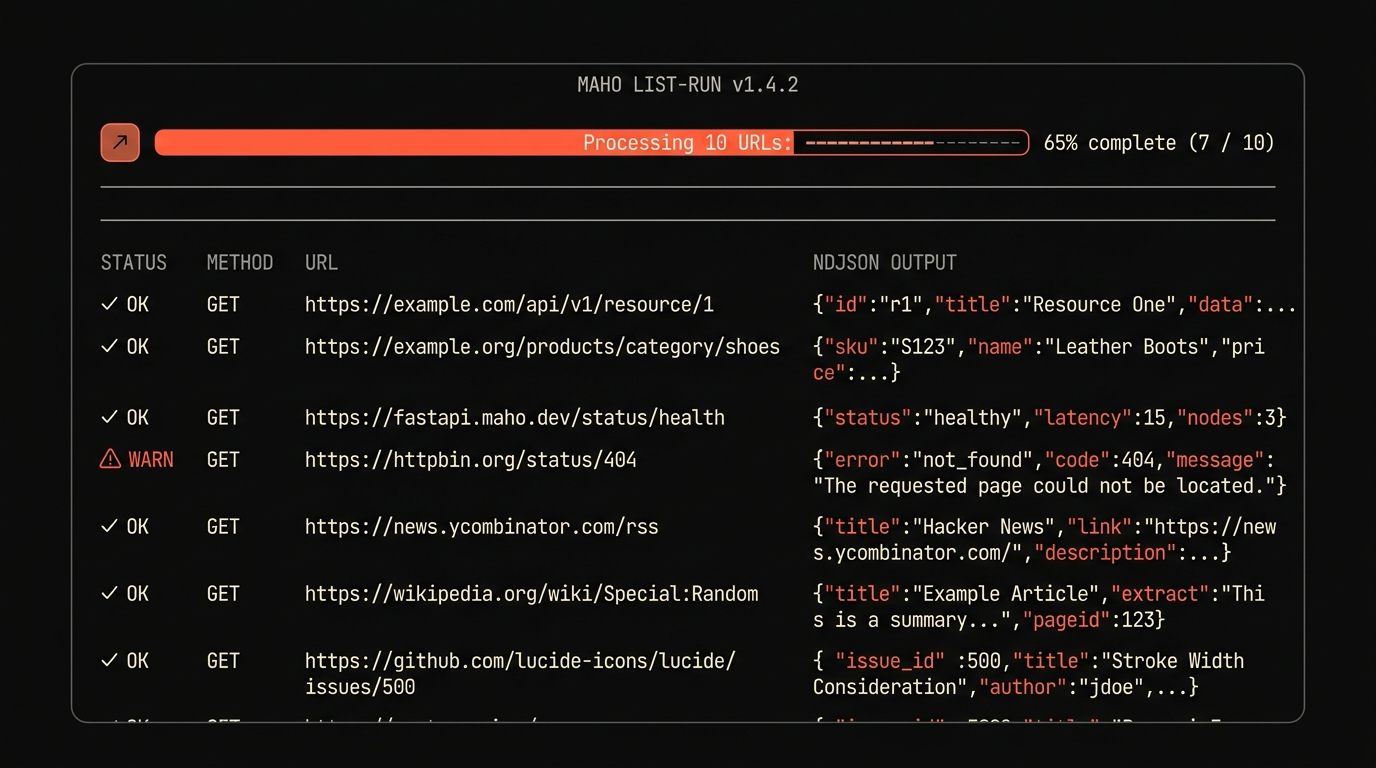
maho headless --batch urls.txt --extract title,text --out results.ndjsonurls.txt:
https://example.com/ahttps://example.com/bhttps://example.com/cresults.ndjson:
{"url":"https://example.com/a","title":"A","text":"This is page A..."}{"url":"https://example.com/b","title":"B","text":"This is page B..."}{"url":"https://example.com/c","title":"C","text":"This is page C..."}NDJSON, not a JSON array. One record per line. If the batch crashes halfway through, the file is still valid for the URLs that completed. Resume where you left off:
maho headless --batch urls.txt --extract title,text --out results.ndjson \ --skip-completed results.ndjsonThe --skip-completed flag reads the URLs already present in the output file and skips them on this run.
The default concurrency is two. You can raise it with --concurrency 6, but read the next section first.
Resource and rate-limit notes
Section titled “Resource and rate-limit notes”A headless browser is a real browser. Each tab is a real renderer process. Each process holds memory and CPU. On a 16 GB Mac, a sensible upper bound is six concurrent tabs. Above that, swap kicks in and the run gets slower, not faster.
A second consideration is the target site. A batch of 200 URLs against the same domain at concurrency 6 is going to look like a small DDoS to the server. Maho’s default per-domain concurrency is two, with a small jitter between requests. You can override it, and we will not stop you, but if a site bans your IP you will be the one cleaning up the cookies and dealing with the rate-limit page in the GUI.
A third consideration is your own profile. If your batch run logs into a site, it might trigger a “new device” alert in the account. The headless instance is the same browser as your GUI, but the timing pattern is different. If you have a job that runs at 3am and you wonder why the account flagged it, this is why.
For long-running batches, prefer to run them in a session you can detach from (tmux, nohup, or a launchd job). The headless process holds memory until it exits. A 10,000-URL run at concurrency 4 takes hours.
Where this is not Playwright (and that is fine)
Section titled “Where this is not Playwright (and that is fine)”A short list of where the line is.
Headless Maho uses your profile. Playwright uses a clean one.
Headless Maho is for one-off scripts and personal automation. Playwright is for repeatable test suites.
Headless Maho exposes a small set of named extractors (title, text, links, meta, html) plus the maho page subcommands for selector-level access. Playwright exposes a full browser automation API. If you need to click a button, fill a form, wait for a selector, then click another button, that is Playwright territory and we will not pretend otherwise.
Headless Maho returns structured data from pages you visit. Playwright drives a browser through a flow.
Both tools are useful. They are not the same tool.
If your script is “fetch the title and body text from each URL in this file”, that is headless Maho. If your script is “log into the staging environment, run through the signup flow, assert the welcome modal appears”, that is Playwright. We use both in development and recommend the same.
Download Maho
Section titled “Download Maho”If you want to script the browser you already use, with the cookies and extensions and config you already have, download Maho.
Updated 2026-07-06: rewritten to match shipped maho CLI syntax.