
Extensions that still work: the Chromium MV3 story in Maho
We get a version of this question every week. “Will my extensions work in Maho?” The short answer is yes for most of them, no for a small set, and the small set is small on purpose.
Maho is built on Chromium. The extension system you know is the extension system we ship. The differences are at the edges, and the edges are the part you should know about before you migrate. This is the practical version of our extensions docs.
The MV3 baseline
Section titled “The MV3 baseline”Manifest V3 is the current Chromium extension format. If you have moved off Chrome any time in the past two years you have heard about it, usually as a complaint. The complaints are not all wrong, but the baseline is the baseline, and Maho inherits it.
What MV3 changes from the older MV2 model:
- Background pages are gone. Long-running background pages are replaced with service workers that wake on events and idle out. An extension can no longer hold a process forever.
- Content scripts must be declarative where possible. The
content_scriptsfield in the manifest declares what runs where. Dynamic injection is still possible but constrained. - Web request blocking moved to declarativeNetRequest. Extensions can no longer intercept every request and decide what to do in JS. They register rules; the browser applies them.
- Remote code is forbidden. An extension cannot fetch a script from a URL and run it. The code in the manifest is the code that runs.
Most of these changes are good, on balance, for security and battery. A small number of extension categories took a real hit. Ad blockers in particular had to redesign their rule engines around declarativeNetRequest, and the result is less flexible than what they had before.
What Maho restricts on top of MV3
Section titled “What Maho restricts on top of MV3”Maho ships with two restrictions that go beyond the Chromium default. They are narrow and they are public.
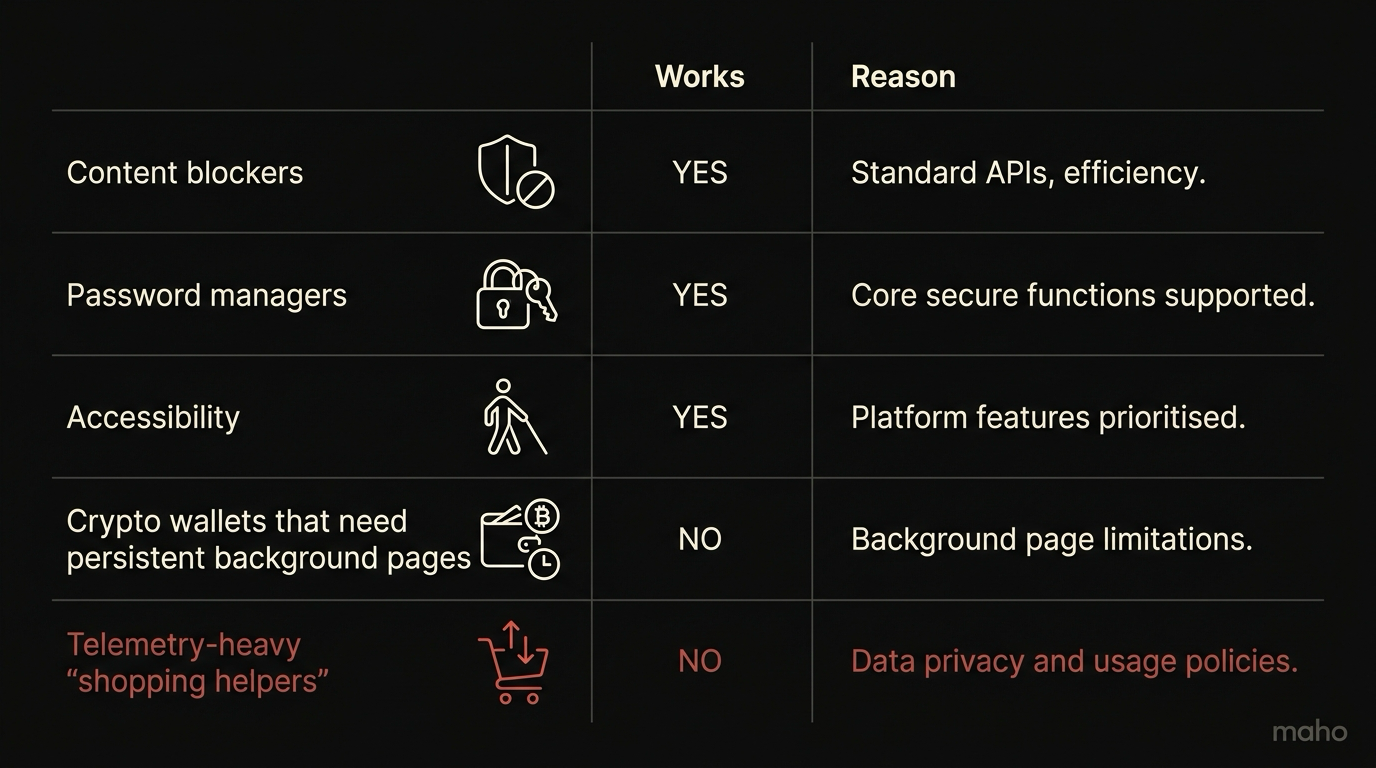
Persistent network connections to vendor cloud are blocked for telemetry-heavy categories. Some “shopping helper” and “deal” extensions hold an open WebSocket to a vendor server and stream the URL of every page you visit. The Chromium default permits this. We do not. An extension that maintains a persistent outbound connection from a content script gets a warning at install and a one-tab-per-session quota at runtime. If the extension actually needs the connection for a feature you use, you can turn off the limit per origin. The default is the safe default.
Extensions cannot read the AI provider settings or the sync state. Maho stores the keys for your local model providers and the device keys for sync in a partition extensions cannot reach. This is true even for extensions that ask for <all_urls>. We do not want a screenshot extension exfiltrating your Anthropic key by accident.
That is the full list. There is no catch-all category we secretly block. If we ever add a third restriction, it will be in the docs the day it ships.
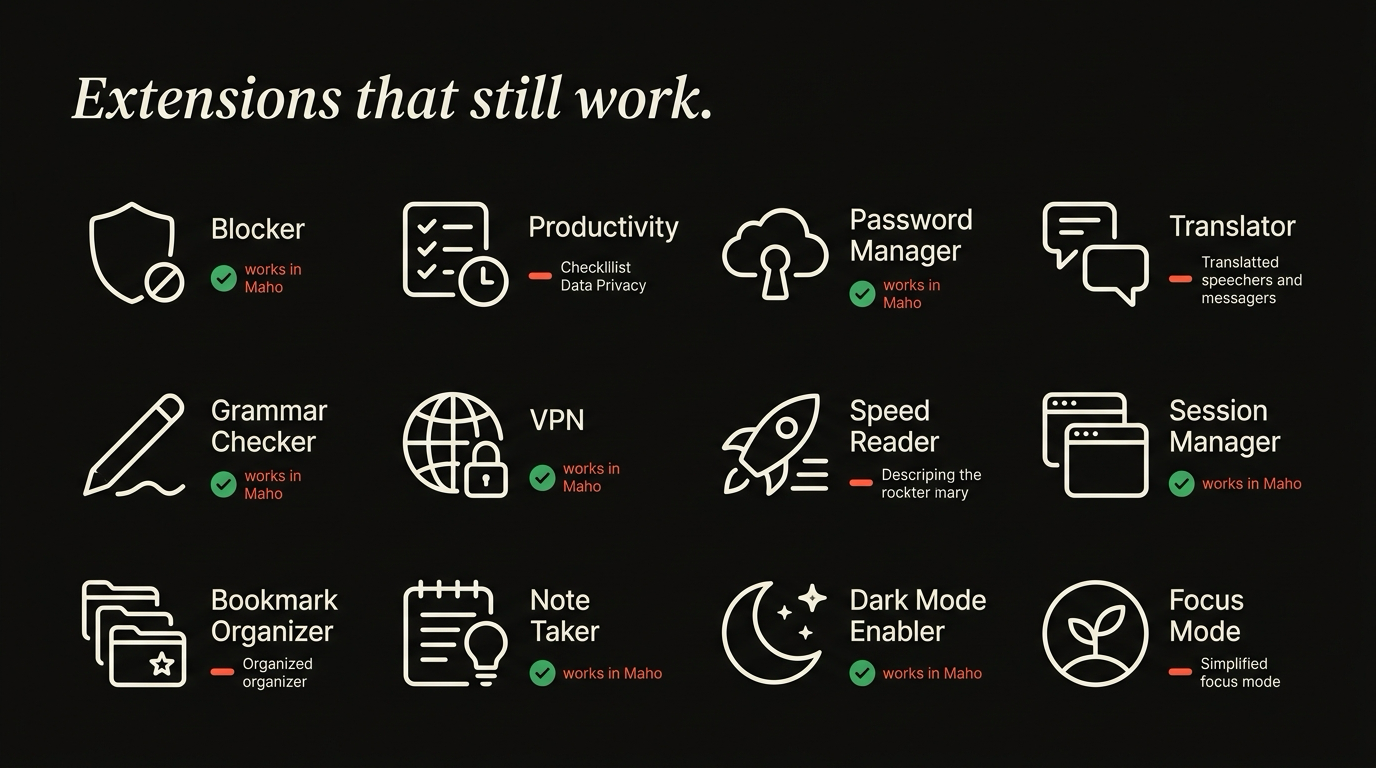
Categories that always work
Section titled “Categories that always work”Day-one compatible, no caveats:
Ad blockers (MV3 versions). uBlock Origin Lite, AdGuard, Ghostery. The Lite versions are what work under MV3. The classic uBlock Origin (MV2) does not run on Chromium 127+ and that is an upstream choice we cannot reverse. uBlock Origin Lite is the supported successor.
Password managers. 1Password, Bitwarden, Dashlane, Proton Pass, KeePassXC-Browser. All of them ship MV3 builds and all of them work in Maho without changes. The extension talks to its native helper or its own cloud over the same channel it uses in Chrome.
Accessibility tools. VoiceOver helpers, Read Aloud, Speechify, Helperbird. Anything in the screen-reader, font-replacement, or contrast-tweak category. These are usually content-script only and they migrated to MV3 cleanly.
Reader-mode replacements. Just Read, Reader View, Postlight Reader. All work.
Translation and dictionary lookup. Google Translate’s official extension, ImTranslator, dictionary popups. Standard MV3 content scripts.
Tab managers and session managers. OneTab, Session Buddy, Toby. The ones that have shipped MV3 ports work as expected.
Developer tools. React Developer Tools, Vue.js devtools, Wappalyzer, ColorZilla, axe DevTools. All work in the DevTools panel because the DevTools API is essentially unchanged from MV2.
Privacy tools. Privacy Badger, Cookie AutoDelete, ClearURLs. These have all moved to MV3 at this point.
If you have an extension in any of those categories and it is up to date, the migration is “drag the install link into Maho”.
Categories that do not (and why)
Section titled “Categories that do not (and why)”The honest list of what does not work or works in a degraded way.
Old MV2 extensions. Anything that was abandoned before MV3 will not run. This is not a Maho choice. Chromium itself dropped MV2 support. If your favorite extension has not shipped an MV3 version by now, it likely never will.
Full-page request modifiers. Tools that needed to inspect and rewrite every request body in JS (some old proxy extensions, some testing tools) cannot do that under declarativeNetRequest. They work for static rules. They do not work for dynamic ones.
“Shopping helper” extensions. Honey, Capital One Shopping, Rakuten, and similar extensions that hold a persistent vendor connection get the restriction described above. They run, they apply codes at checkout, they do not stream your URL list to a vendor by default. If you want the streaming behavior, you can turn the limit off per origin.
Coupon scrapers that need full-page DOM scraping at every navigation. A subset of the shopping category leans on background scripts that no longer exist. Their MV3 versions are usually thin and degraded, and that is the experience in Maho too.
Tab-grouping extensions that wanted persistent background state. Tab grouping mostly works because Chromium added a native tab group API. Older extensions that pre-dated the native API and depended on MV2 background pages are stuck. Their MV3 successors are usually fine.
If you are coming from a heavy extension stack that was already breaking in Chrome for the same reason, Maho will not feel different from Chrome on those specific extensions. We are downstream of the same change.
For a related capability that often replaces small extensions, see Boosts in Maho. Not every extension should be a Boost. Many should.
Extension hygiene checklist
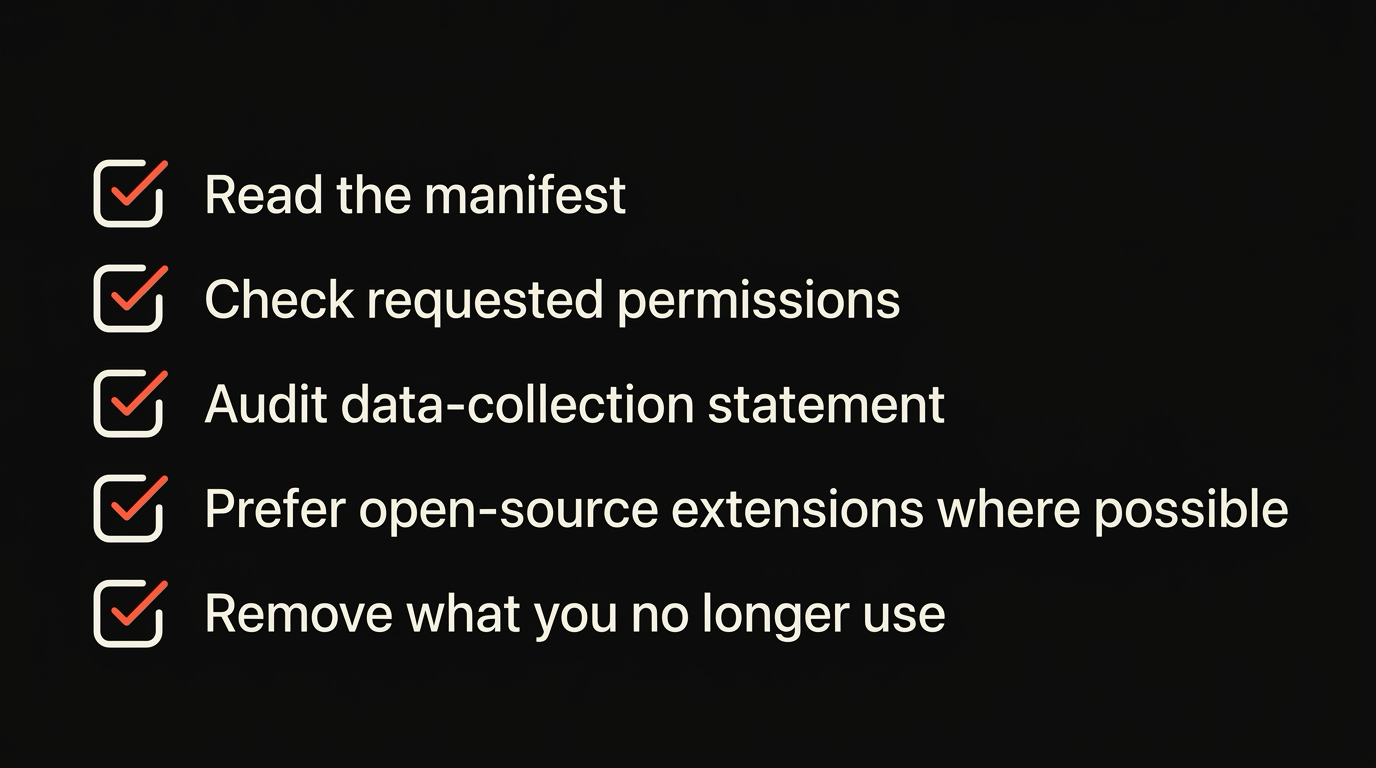
Section titled “Extension hygiene checklist”A short list to run before you install a new one.
Check the publisher. Extensions get sold. The link in the Chrome Web Store still says the original publisher’s name long after the new owner has flipped the auto-update channel. If the extension has not been updated in two years, that is suspicious in either direction.
Check the permissions. <all_urls> is the big one. An extension that reads every page is fine if you want it to read every page (a password manager, an ad blocker). It is not fine for a coupon helper. Read the permissions list before you click install.
Check the size. A two-line CSS fix should not be a 50KB extension. If it is, the other 49KB is probably not what the description says it is.
Check the reviews dated this year. Old reviews from before an ownership change are noise.
If the extension does one small thing on one site, consider a Boost instead. Same outcome, smaller blast radius.
Download Maho
Section titled “Download Maho”Maho ships with the full Chromium extension store enabled by default. The restrictions in this post are the only differences. If we add to the list, this page gets updated.