
Boosts in Maho: per-site customization without an extension
There is a class of small fixes you wish your browser would let you keep. Hide the cookie banner that pops up every time you open Hacker News. Make GitHub diffs wider. Stop YouTube from autoplaying the next video. Each fix is two lines of CSS or five lines of JavaScript. The current path is to install an extension that wants permission to read every page you visit. The path is wrong.
Boosts are the lighter answer. Per-site customization scoped to one origin, with no extension manifest, no background process, no third-party update channel. CSS, JS, and a small bag of settings, applied by the browser, owned by you. This post is a working tour of the Boost surface and three Boosts we use every day.
The extension trap
Section titled “The extension trap”The standard fix for “I want this site to behave differently” is to install an extension. The extension model is fine for big features. It is bad for small ones.
A small CSS tweak ships as a 50KB extension that asks for <all_urls>. The author can change the bundle next week and now your one-line fix has a network call. Every browser has stories of popular extensions sold to a new owner who quietly turns them into trackers. The permissions never changed because the user never had to re-read them.
The other path is a userstyle or userscript engine, which is itself an extension that runs other people’s code. The trust pivot just moves around. You still hand over <all_urls>. You still wait for an update channel you do not control. You still get a notice when the engine flags malicious code three weeks too late.
A two-line fix should not need a 50KB middleman.
Boosts, defined
Section titled “Boosts, defined”A Boost is a per-origin bundle of overrides the browser applies to a site. Each Boost has a host scope, a CSS section, a JS section, and a settings section. The browser is the runtime. There is no extension API in between.
Boosts are off by default. You enable a Boost on the origin where you want it. The grant is per-origin, the way a permission grant should be. The Boost runs only on the matching origin, only after page load, and only with the small permissions the Boost surface allows.
This is intentionally a smaller capability than an extension. That is the point. Most fixes do not need the big one.
The Boost surface (CSS / JS / settings)
Section titled “The Boost surface (CSS / JS / settings)”Three sections, in order of how often you reach for them.
CSS. A standard stylesheet, scoped to the host. Anything you can write in a <style> tag works. Common uses: hide elements with display:none, raise z-indices, override max-widths, swap fonts, kill autoplaying video by hiding the player you do not need. CSS is the safest section. It cannot reach the network, cannot read DOM contents into JavaScript, cannot persist anything. Most Boosts in our default library are CSS-only.
JS. A small script the browser injects into a sandboxed world on the page. The world has DOM access and the standard document object. It does not have access to extension APIs, host network calls beyond what the page already does, or other Boosts. The script runs after DOMContentLoaded. It can add event listeners, mutate the DOM, add a button. It cannot call fetch to a different origin without an explicit grant the user accepts in the Boost editor.
Settings. A key-value store the Boost can read on each run. Settings show up as inputs in the Boost panel: text fields, toggles, sliders. A user editing the Boost panel never opens the JS file. The author wires settings to behaviors and exposes only the knobs that make sense. Tweaking a Boost is editing values, not code.
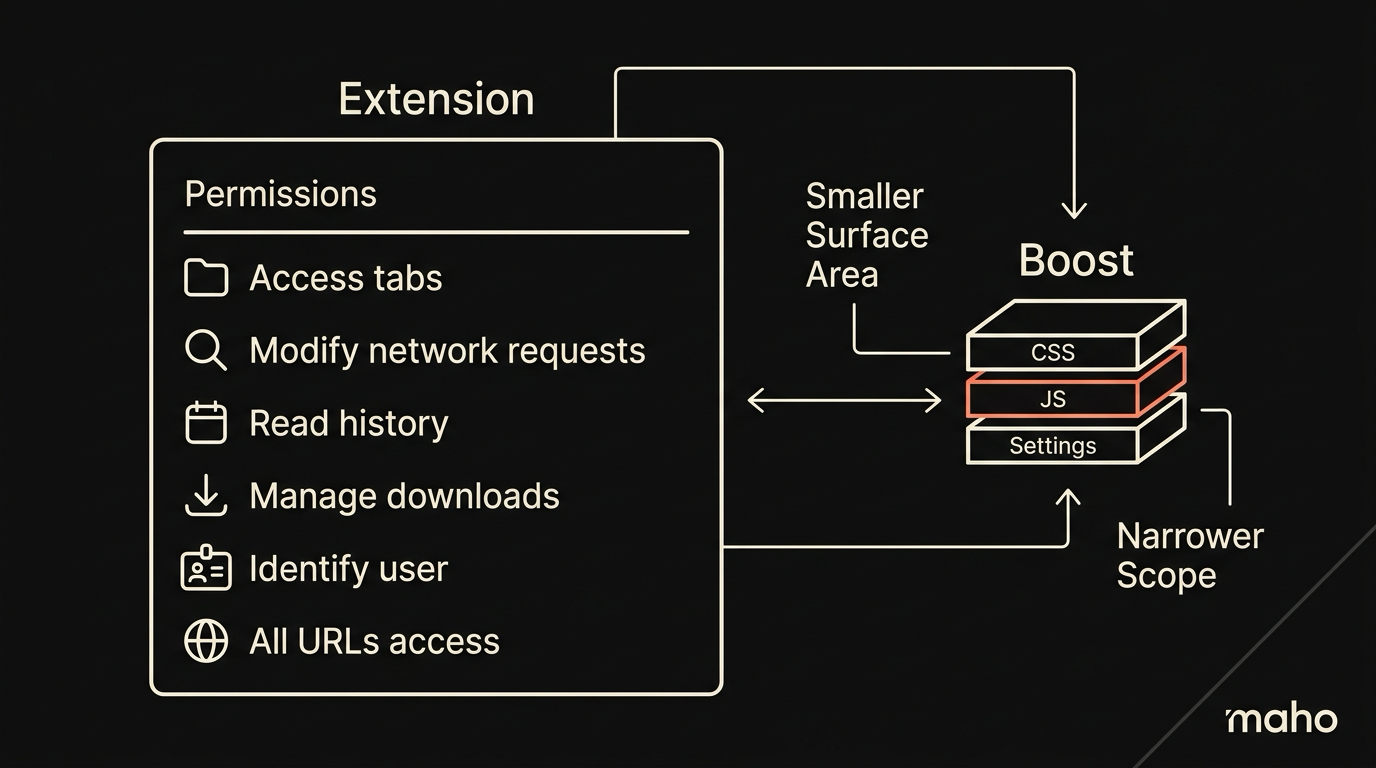
The total surface area is small on purpose. It covers the long tail of personal customization without becoming a parallel extension store.
Three Boosts that change the way I read the web
Section titled “Three Boosts that change the way I read the web”The library ships dozens of these. Three matter for me.
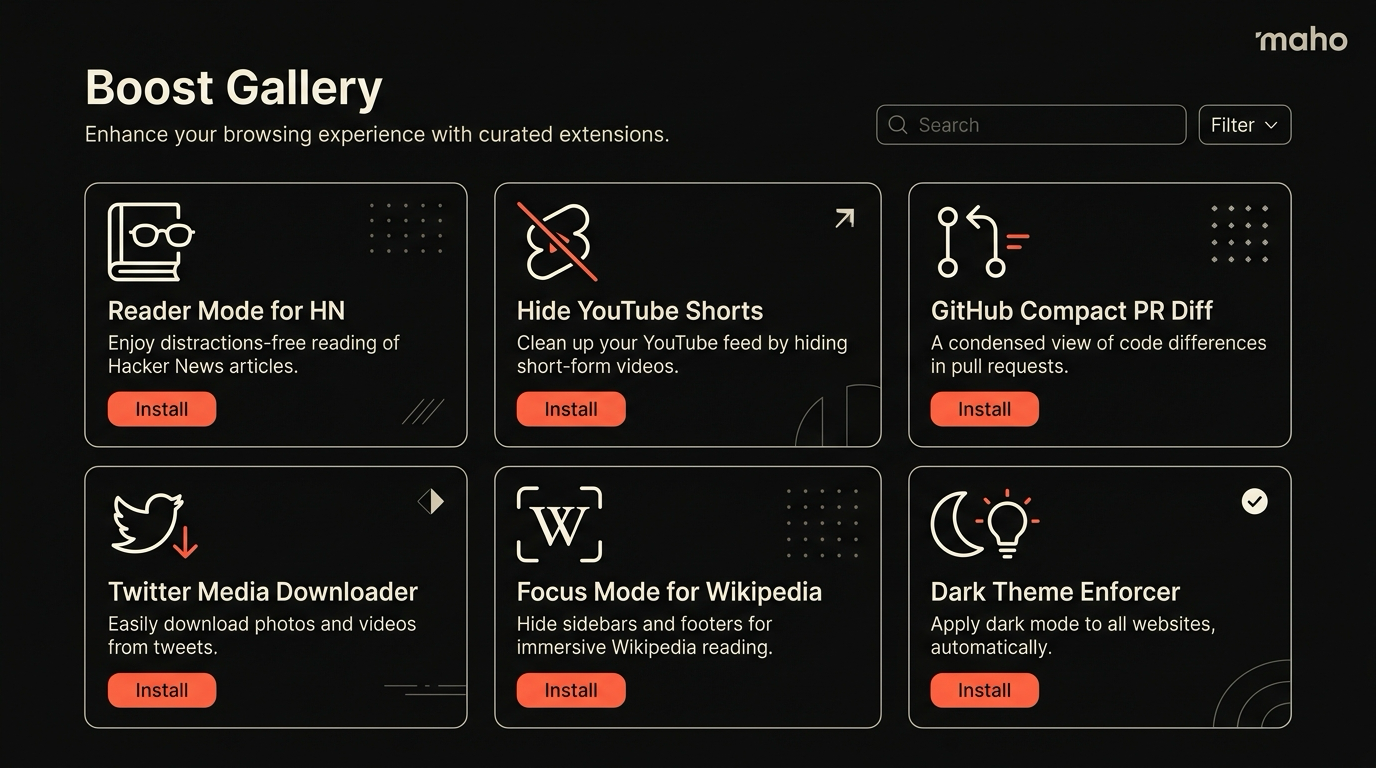
Reader-first GitHub. Three lines of CSS. It widens the diff column, drops the right sidebar on file pages, and bumps the line-height. Every time I look at a GitHub PR I do not have to scroll-bar dance. The Boost is twelve characters of selectors and a body { max-width: none }. It would not be worth shipping as an extension. It is worth shipping as a Boost.
Quiet YouTube. A small JS Boost that pauses the player when the page first renders, removes the “Up Next” overlay, and hides the recommendation grid. I use YouTube as a video search engine. The site treats me as a video subscription. The Boost reverses the priority. The JS section is forty lines. The settings let me toggle each kill-switch separately. There is no network call, no analytics, no remote update.
Calm Hacker News. Pure CSS. Hides the dead-comment grayed-out threads, widens the comment column on a wide monitor, and sets a serif font for the comment body. I read HN like a newspaper now. The CSS lives in a 60-line block I rarely touch. The settings let me bump the font size and pick the serif.
These are not impressive engineering. They are exactly the kind of small fix the existing extension model overcharges for. The Boost surface lets them stay small, which is the only reason I bother to write them.
Sharing Boosts
Section titled “Sharing Boosts”Boosts are local files. Each Boost is a directory with a manifest.json, a CSS file, an optional JS file, and any default settings. Sharing one is a folder you send.
The Maho Boost panel shows the directory in plain text. You can read the JS before you enable. You can edit the CSS in the panel and the change applies on the next reload. You can export a Boost as a zip and a friend can drop it into their Boost folder.
There is no registry, no update channel, no auto-install. If a registry happens, it will be a public list of trusted Boost authors with signed bundles, opt-in. The default stays “you got the file from someone you trust, you read what is in it, you turn it on.”
A team can keep its Boosts in a Git repo. We do. The repo has a directory per Boost, a README explaining what each one does, and a one-keystroke import flow. Onboarding a new teammate to the team’s reading habits is two commands. Reverting a Boost is deleting a folder.
For the longer view on which extensions still earn their keep, see the extensions that still work post. For the docs, see Boosts in the browser docs.
Download Maho
Section titled “Download Maho”Maho is available for macOS, Windows, and Linux with Boosts built in. Try the three above and write your own. Download Maho.