
What is MCP? Model Context Protocol explained for browsers
MCP, the Model Context Protocol, is a specification that lets a language model call typed tools exposed by some other process, called an MCP server. The model speaks JSON, the server speaks JSON, and a host like Maho sits between them, enforcing permissions. That is the whole protocol in one paragraph.
The rest of this post explains why those few sentences add up to a useful primitive, and what they look like once the protocol is wired into a browser.
Why MCP is not just an API
Section titled “Why MCP is not just an API”You can find the official specifications and documentation on the Model Context Protocol Specification page.
An API is an endpoint with a contract. An MCP server is the same idea with two extra rules baked in.
The first rule is discovery. An MCP host can ask a server, “what can you do?”, and get back a structured list of tools, each with a name, a description, and a typed input and output schema. The model uses that list to decide which tool to call. Plain APIs do not advertise themselves to language models on demand.
The second rule is intent. MCP tools are described in language a model can reason about. A REST endpoint says POST /v2/issues. An MCP tool says create_issue, with a one-line description like “file a new issue in the active project”. The schema is identical. The framing is different. The model is the audience, not a backend engineer.
Take both rules away and you have an API. Keep them and you have something a model can use without a human writing glue code in between.
What an MCP server looks like in a browser
Section titled “What an MCP server looks like in a browser”The protocol is built as an open standard. Check the Model Context Protocol GitHub Repository for code and issues.
A browser that supports MCP is doing two jobs at once.
It is a host. The host owns the model, the conversation, and the permission prompts. When the model says “I want to call get_active_tab”, the host is what decides whether that call happens.
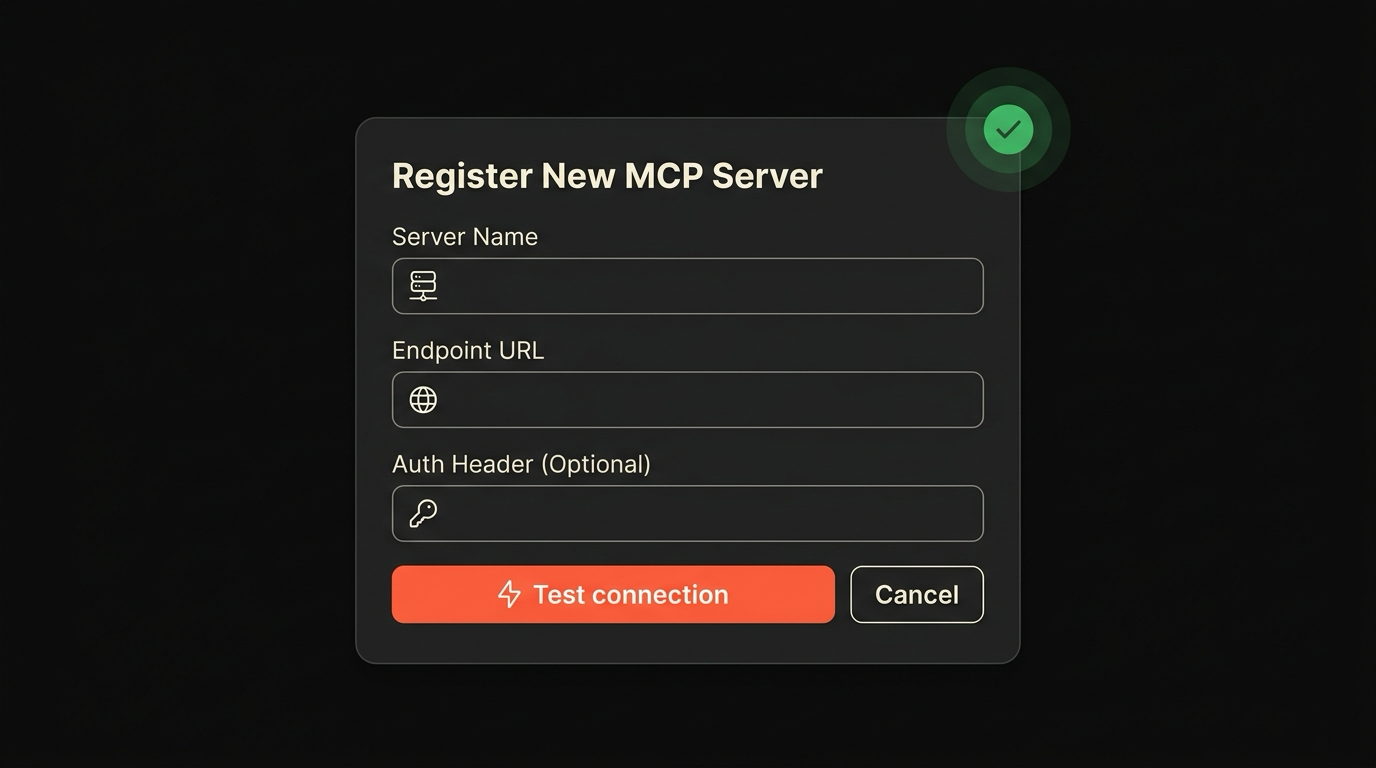
It is also a client to MCP servers. Some of those servers ship with the browser, exposing tools that read or change browser state. Others run on your machine: a Linear MCP server, a filesystem MCP server, a custom one you wrote yourself. The browser registers them, lists their tools to the model, and routes calls.
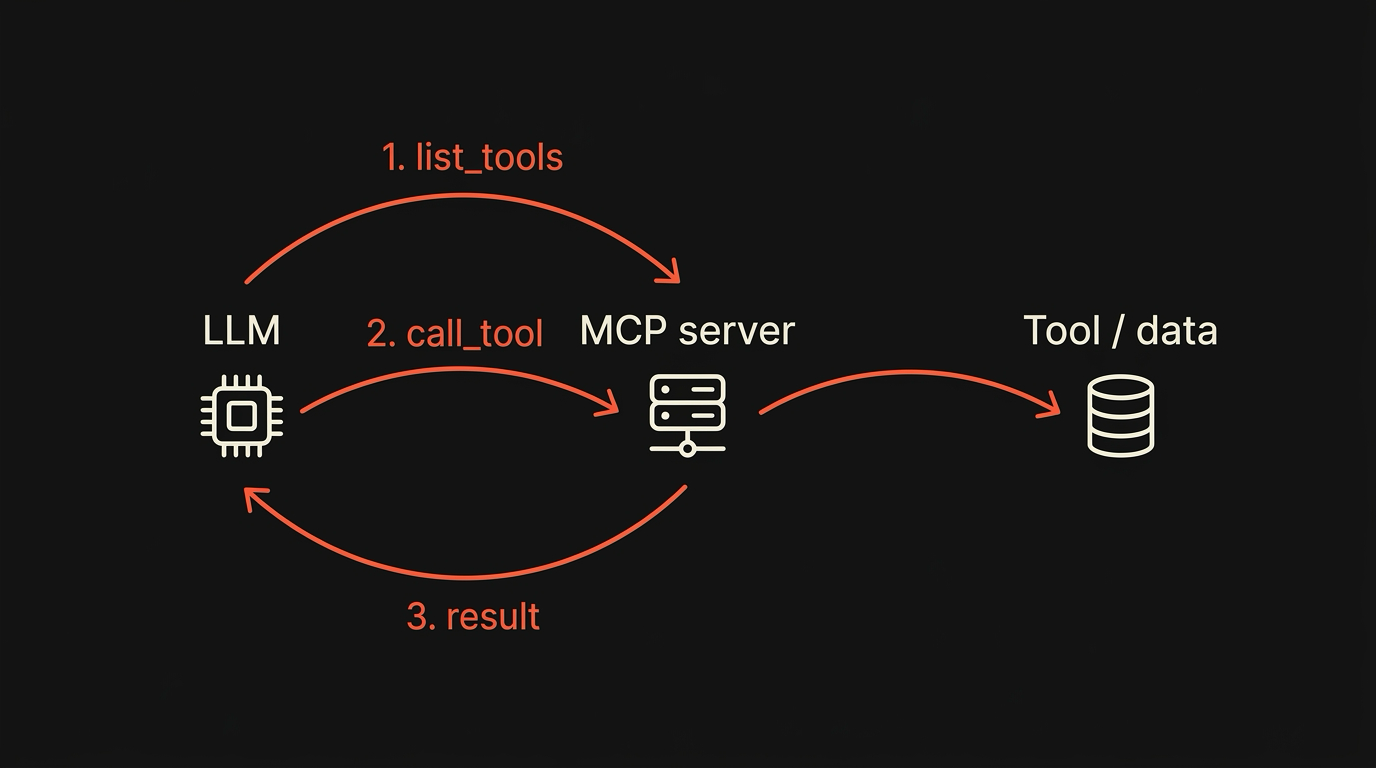
Maho’s side panel uses this split. Built-in tools cover the browser surface. External MCP servers cover everything else. The model does not know the difference, which is the point.
Three concrete example tools
Section titled “Three concrete example tools”Extending browser capabilities safely maps to existing standards, such as those described in Chromium Extensions Documentation.
Concrete is more useful than abstract. Three tools you can think about.
get_page_content. The model asks for the content of the active tab. The browser returns a structured outline: title, headings, body text, links. No screenshot, no raw DOM dump. Read-only. Runs without a permission prompt because nothing changes.
open_tab. The model asks the browser to open a URL in a new tab. The host shows a permission prompt the first time, scoped to the origin you are about to visit. After approval, the call goes through. Mutating action, narrow scope.
create_issue, from a Linear MCP server you registered. The model asks the Linear server to file an issue. The browser is the host. The Linear server is the worker. The host shows a permission prompt with the project name, the title, and the body. You approve once, or always for this server. The model never touches your Linear API key. The server does.
Three tools, three different shapes. One read-only on the browser. One mutating on the browser. One mutating on a third-party service. All of them go through the same permission gate.
Where MCP stops and the model takes over
Section titled “Where MCP stops and the model takes over”MCP gives the model a list of tools and a way to call them. It does not tell the model when to call them. That is the model’s job, and it is where most of the complexity lives.
The model decides which tool fits the request, builds the input, sends the call, reads the result, and either stops or calls another tool. MCP does not orchestrate. It just defines the contract.
This is a feature, not a gap. A protocol that tried to encode “when should the model file an issue?” would be brittle in a year. A protocol that says “here is a tool called create_issue, the model figures out the rest” is small enough to stay useful.
What the host owes you
Section titled “What the host owes you”A reader new to MCP often expects the protocol to handle safety. It does not. MCP defines the wire format and the discovery shape. Everything else, the permission prompts, the audit log, the kill switch, lives in the host.
This is why the same MCP server can feel safe in one browser and reckless in another. The protocol does not make the host trustworthy. The host has to do that work itself. The longer walkthrough lives in MCP in the browser: what it actually means in 2026, and the day-to-day usage lives in the browser AI docs.
Download Maho
Section titled “Download Maho”Maho is available for macOS, Windows, and Linux. It ships with built-in MCP tools, supports your own MCP servers, and asks before doing anything mutating. Download Maho.