
Maho vs Dia: two takes on the agentic browser in 2026
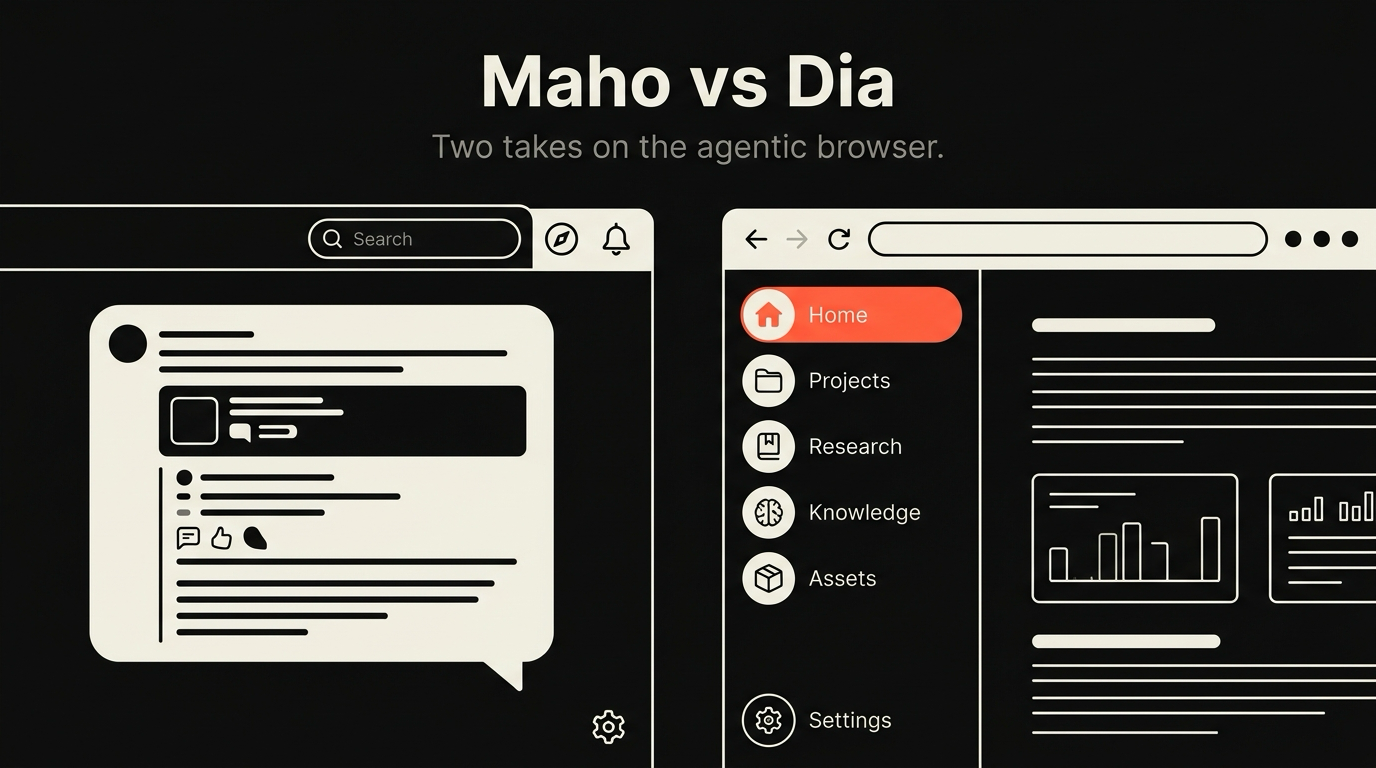
Dia is The Browser Company’s follow-up to Arc, built around an AI assistant from the first commit. Maho is a separate, smaller project, built on Chromium for macOS, also designed around an agentic side panel from day one. Both products call themselves agentic. They are not the same product.
This post is a side-by-side. Same engine class, same target audience, two different bets on what an agentic browser is for.
The pitch each browser makes
Section titled “The pitch each browser makes”Dia’s pitch is that the chat panel is the new browser. The address bar is still there, the tabs are still there, but the primary surface is a conversation. You type a question. Dia answers, drawing on the page you are on, on tabs you let it see, and on its own model. The product is built around the idea that most browsing is now research and the research deserves a first-class assistant.
Maho’s pitch is that the side panel is a control surface for the browser, not a chat box. You can chat with it, but the point is that it can call tools, see the page with permission, and act. The browser is still the spine. The panel is a way to drive the spine without your hands leaving the keyboard.
Both pitches are reasonable. They lead to different product surfaces, different defaults, and different kinds of customers. What follows is a look at where the two products diverge in practice.
Context model: page-scoped vs conversation-scoped
Section titled “Context model: page-scoped vs conversation-scoped”The biggest split between Dia and Maho is what the AI is grounded in.
Dia is conversation-scoped. The thread is the unit. You start a conversation, drop in tabs as references, and the model carries them across turns. The page you happen to be on is one input among many. Closing a tab or switching Spaces does not remove it from the conversation memory unless you do it explicitly.
Maho is page-scoped by default, with a switch. The current tab is the unit. The side panel sees the page you are on and answers about that. If you want to ask across tabs, you flip the panel into a multi-page scope and select which tabs feed in. When you switch Space, the panel switches with you. The page context the AI sees is the Space you are in, not a global blob.
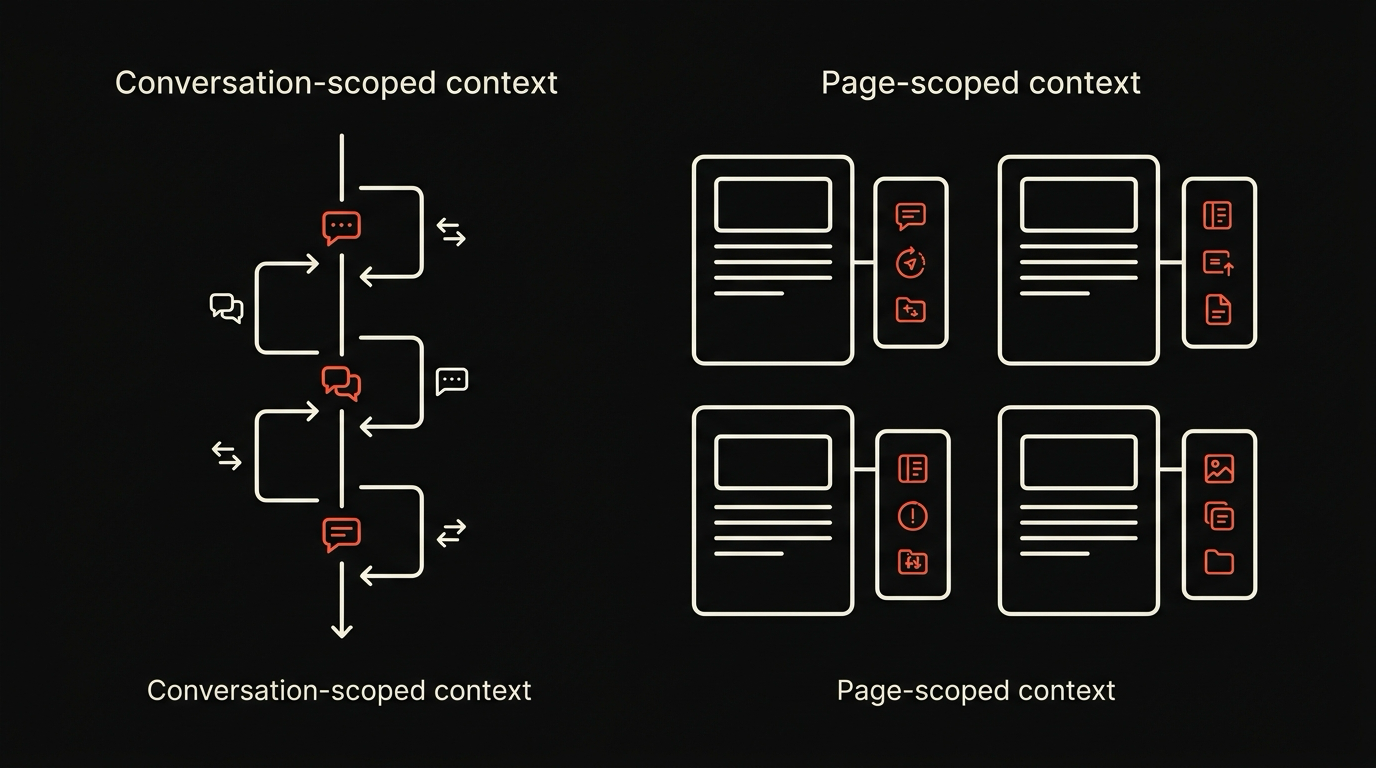
Neither model is correct in the abstract. Conversation scope is better for long research sessions where the same set of sources keeps coming up. Page scope is better for short, sharp questions about whatever is on screen right now. Most people use both shapes during a normal day.
The cost of mixing them is real. A conversation-scoped panel can pull in stale context the user forgot they added. A page-scoped panel can lose continuity across tabs. Both products have to make a default choice. Dia chose long. Maho chose short, with an opt-in to long.
Tool model: hosted vs built-in plus your own
Section titled “Tool model: hosted vs built-in plus your own”Both browsers can do more than chat. The shape of the tool model is where they diverge again.
Dia tools are hosted. The Browser Company decides what tools the assistant can call, runs them, and exposes them through the chat surface. The advantage is reliability. The team controls the surface, so the tool set works the same on every machine. The cost is that the user does not get to add tools, and the surface is whatever the vendor has decided to ship.
Maho tools are split into two layers. The first is built-in: a small set of narrow tools the browser ships with, audited and shipped as part of the product. The second is MCP. You can register your own MCP server, expose your own verbs to the side panel, and the agent can call them with the same permission gates the built-ins go through. A power user can teach the browser to file Linear tickets, read from a private database, or trigger a deploy, without waiting for a vendor feature.
The trade-off is the usual one. Bring-your-own-tools means more leverage and more rope. Maho’s permission system, documented in the browser AI docs, is the safety story for that rope.
BYOK posture
Section titled “BYOK posture”Dia ships with The Browser Company’s hosted model integration. There is no public BYOK story as of 2026. The user gets the model the vendor chose, routed through the vendor’s infrastructure, with the privacy posture the vendor publishes.
Maho ships BYOK as the default. You point the browser at an OpenAI-compatible endpoint, an Anthropic endpoint, an Ollama instance on localhost, an LM Studio server, or a custom HTTP endpoint of your own. Keys live in macOS Keychain. The browser routes prompts to whichever provider you assign to the active panel. We do not see your prompts because the network call goes from your machine to your provider, with no proxy in between.
The reason this matters is not ideology. It is that the model market in 2026 moves every six weeks. A browser that locks you to one vendor’s model is a browser that ages with that vendor. A browser that lets you switch providers in two clicks is a browser that ages with the field.
Privacy posture
Section titled “Privacy posture”Dia is a hosted product. The chat goes to The Browser Company’s infrastructure for routing, even if the model behind it is a vendor like Anthropic or OpenAI. Tabs the user shares with a thread leave the device. The privacy story is the standard hosted-AI story: the vendor processes the data, the vendor publishes a policy, the user trusts the policy.
Maho is local-first. Telemetry is off by default. Prompt history is stored in a local SQLite database, encrypted at rest with a key in Keychain. Sync, when enabled, runs through a relay that holds only encrypted blobs. We do not log prompts because we never receive them. The endpoint you talk to is the one you configured.
Both postures are legitimate product choices. They serve different users. A team that wants the browser vendor to handle infrastructure will pick the hosted model. A user who wants the browser to be a transport layer for their own AI stack will pick the local-first model.
Feature comparison
Section titled “Feature comparison”| Axis | Dia | Maho | | --- | --- | --- | | Engine | Chromium | Chromium | | Primary AI surface | Chat-first conversation | Side panel control surface | | Default context | Conversation-scoped | Page-scoped, switchable | | Cross-tab context | Yes, through chat | Yes, through scope switch | | Tool calling | Hosted vendor tools | Built-in plus user MCP | | BYOK | Not public | OpenAI, Anthropic, Ollama, LM Studio, custom | | Local model support | Not public | Yes, via Ollama or LM Studio | | Telemetry | Vendor-managed | Off by default | | Prompt storage | Vendor infrastructure | Local SQLite, encrypted at rest | | Account required | Yes | No | | Sync | Through vendor account | Paired devices through relay | | Status | Live, public | Pre-release | | Platform | macOS | macOS |
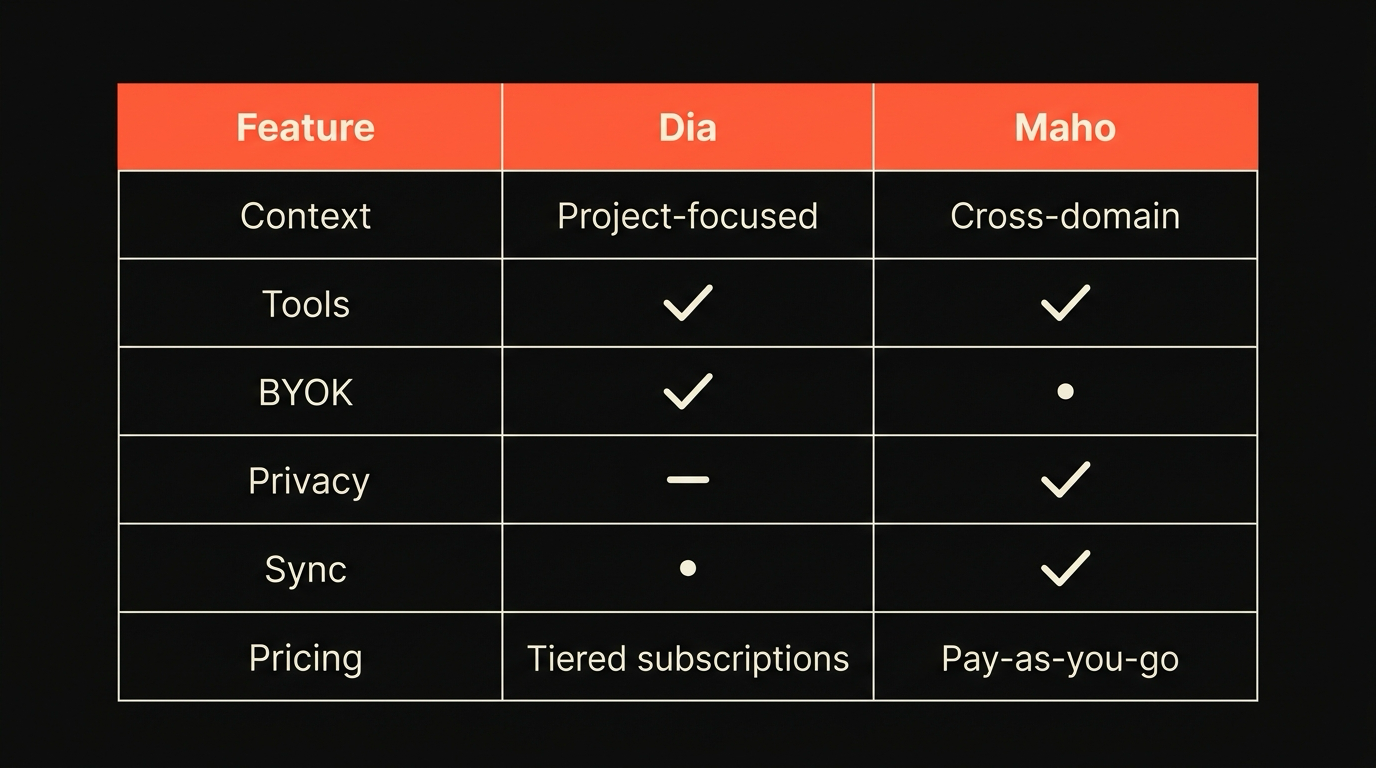
A table is not a verdict. Dia’s hosted model is a feature for users who want one less thing to manage. Maho’s BYOK is a feature for users who already have an AI stack and want the browser to plug into it.
Where each one wins today
Section titled “Where each one wins today”Dia wins for users who want the chat panel to be the browser, with no setup, and who are comfortable with the vendor handling routing. The product is opinionated about the conversational model, and that opinion is consistent across the surface. If you want one less integration to think about, Dia is shorter to onboard.
Maho wins for users who want the agentic surface to be a control plane, who want to plug in their own model, and who care about where the data goes. If you have a local LLM running, an MCP server you wrote, or a privacy posture that does not survive sending tabs through a vendor, Maho is the smaller bet to take.
The full side-by-side, including how both compare against Chrome with Gemini, Brave with Leo, and Edge with Copilot, lives at the comparison hub.
Get early access
Section titled “Get early access”Maho is in pre-release for macOS. If you want an agentic browser where the agent runs against your own model, your own keys, and your own page context, we built it for you. Get early access.